Ideas
Gaming room neon sign ideas: size, color, dimming
Neon ideas for gaming and streaming setups: what to write, size over a desk, colors that work with RGB lighting, dimming for cameras and no-drill mounting.
Updated
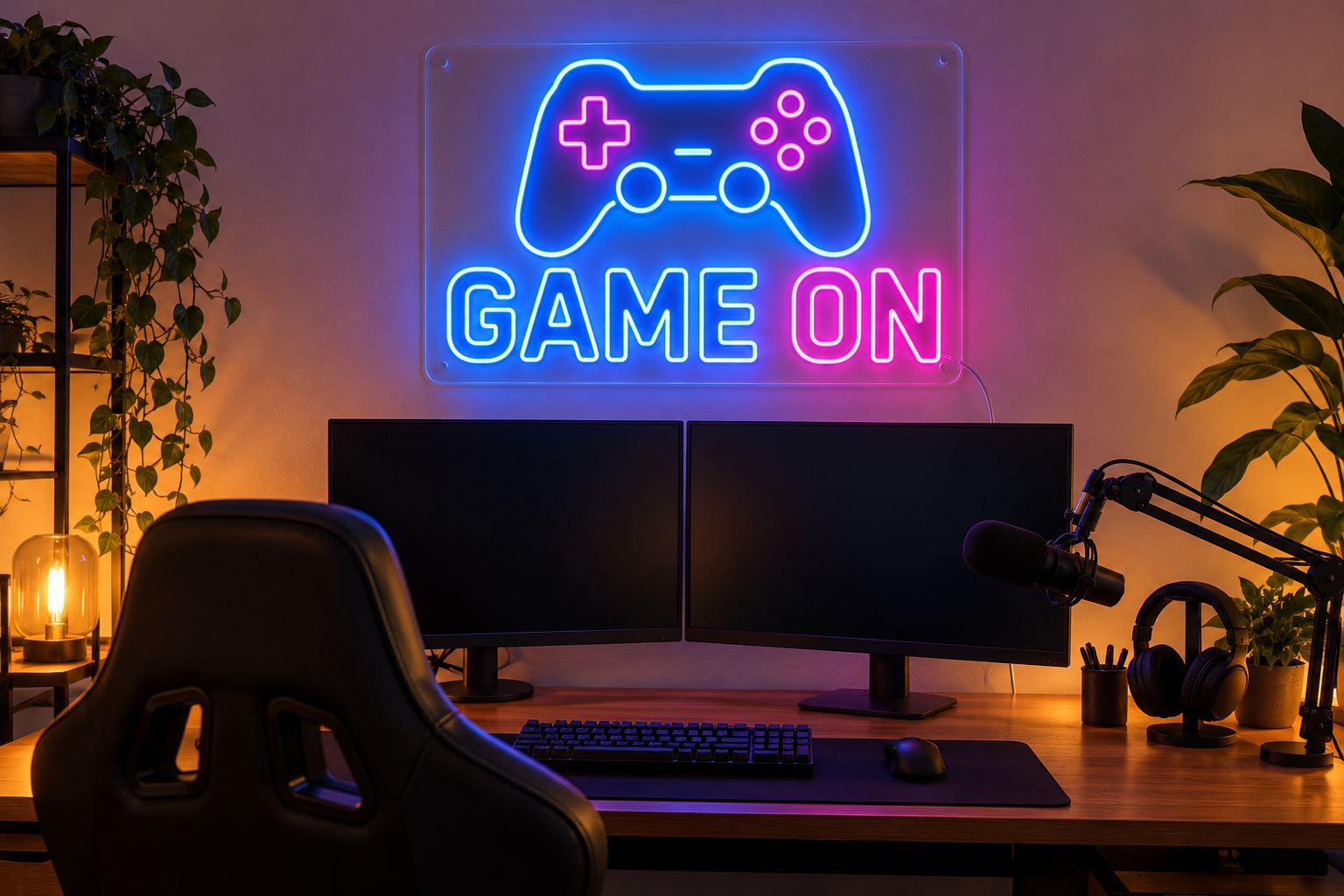
A neon sign is one of the easiest ways to give a gaming or streaming setup a look of its own. It sits behind you on camera, it ties your lighting together, and it can carry your gamertag or channel name. This guide covers ideas, how big to go over a desk, how to pick colors around RGB lighting, how to dim for a camera, and how to mount a sign without drilling.
The gaming and streaming project puts the usual sign, mounting and power parts on one page.
Ideas for the wall
- Your gamertag or channel name. The sign viewers will remember. Type it into the neon designer and try a few fonts.
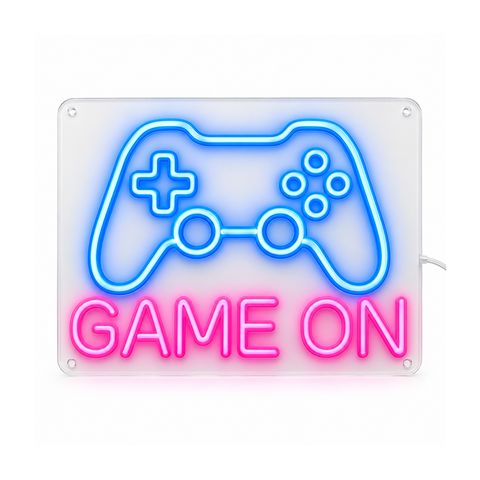
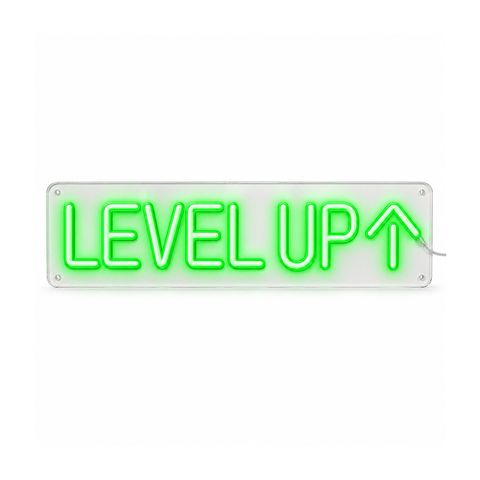
- Ready-made gaming designs. Game On is a blue controller above pink block letters; Level Up is green rounded letters with an arrow. Browse all room neon signs.
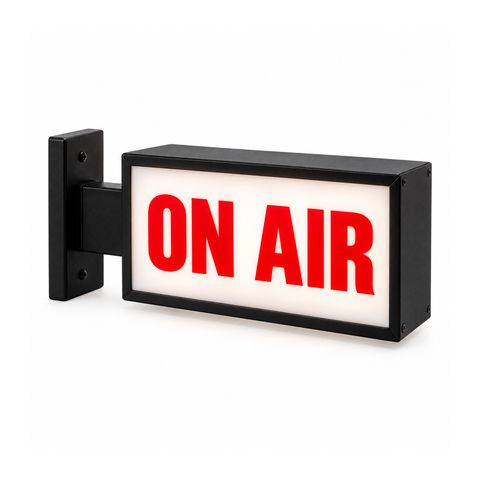
- A studio signal. An ON AIR sign outside the door tells the house you are live. More below.
- Retro or modern. Script fonts and warm colors give an arcade or diner feel; clean block letters in ice blue or white feel modern.
- A logo. A channel logo with clear lines works as a custom logo neon sign. Fine detail is UV printed on the board.
Size over a desk
Designers often size art at about two thirds of the width of the furniture below it. The same works over a desk.
| Desk width | Two thirds | Sign width to pick |
|---|---|---|
| 48 in | 32 in | 30 or 36 in |
| 60 in | 40 in | 36 or 42 in |
| 72 in | 48 in | 48 in |
Then check the words fit. Each letter or space on the longest line needs about 2 in of width, so a 12-character gamertag needs at least 24 in.
If you stream
What matters on stream is what the camera sees, not the whole wall.
- Open your camera software in the framing you use.
- Stick painter’s tape at the edges of the visible wall.
- Size the sign so it fits inside that area with some margin, and so your head and the monitors do not cover the words.
- Check the height: the designer shows an estimated height for your text.
Colors that work with RGB lighting
You have two ways to go.
Pick one fixed color that matches your setup. We have 18 tube colors, from ice blue and deep blue to purple, hot pink, green and warm white. Several colors in one sign cost nothing extra, so a controller in blue and text in pink is the same price as one color.
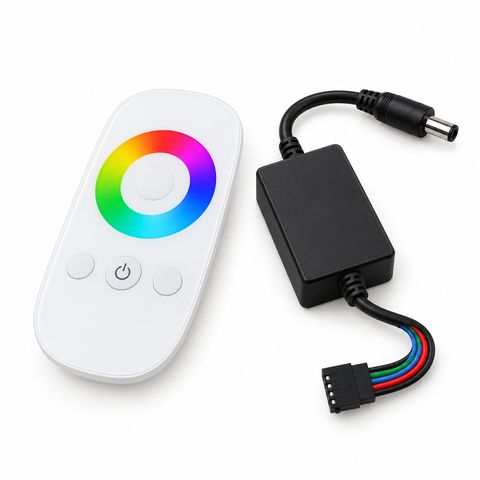
Choose color changing (RGB). It costs extra and comes with a 2.4G touch remote with a color wheel. Hold one color to match the rest of your lighting, or let the sign cycle. The remote also sets brightness and works up to about 100 ft from the receiver. A replacement RGB controller with remote is available if you lose one.
A tip for the camera: strong blue or purple light behind you also falls on your face and hair. Keep a neutral front light on your face and let the sign color the background.
Dimming for cameras
Every sign comes with a dimmer, in-line or remote. You will use it.
- Too bright reads as white. A sign at full brightness can show up as white letters on camera, and the camera may darken the whole picture, your face included, to cope with it. Turn the sign down until the letters keep their color.
- Flicker and banding. Some dimmed LED lights show flicker or rolling bands on camera at certain frame rates and shutter speeds. Test before you go live. If you see bands, change the brightness a little, or try a different frame rate, shutter speed or your camera’s anti-flicker setting.
- Keep it reachable. A remote dimmer lets you change brightness without leaving the chair.
Our guide to neon in photos and video goes deeper, and dimmers and RGB compares the controls.
ON AIR signs and light boxes
Two ways to tell people you are recording:
- The ON AIR neon sign. Red block letters inside a red rounded border, on a clear board. Good on the wall behind you or beside the door.
- The ON AIR light box. A double-sided box on a bracket that sticks out from the wall at a right angle, so it reads from both ends of a hallway. Sizes 12 x 4 in and 24 x 8 in, plug-in or hardwired, with a wireless remote for on/off and brightness. Light boxes start at $214.95.
Our guide to neon light boxes vs neon signs explains which fits where.
Mounting without drilling
Rented room or a wall you do not want to mark? Two options:
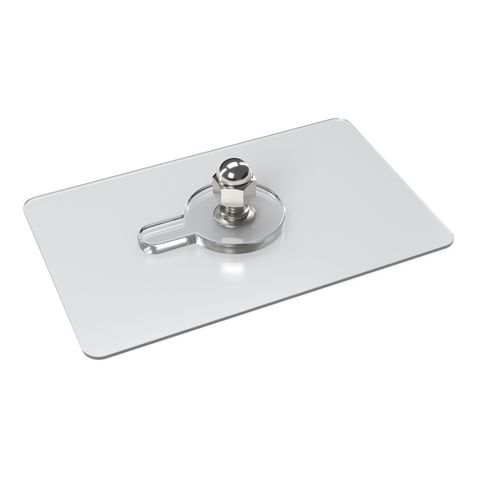
- No-drill adhesive mounts. One at each corner. Peel the film and press firmly onto a smooth, clean, dry wall, then let them set before the sign goes on. Textured or freshly painted walls hold less; adhesive makers usually say to wait at least a week after painting.
- A free-standing base. A clear acrylic stand holds a sign with a straight bottom edge on a desk or shelf. Lengths 6, 10 and 16 in; pick about six tenths of the sign width.
Step-by-step instructions are in how to hang a neon sign without drilling.
Cables and power
The sign runs on 12 V DC from a plug-in adapter and draws about 8 to 12 W per meter of tube.
- Route the cable down the wall and along the back of the desk with clips. Do not run it under a rug, where it cannot shed heat.
- Plug the adapter into a wall outlet or a power strip on the floor, not into a socket that is already crowded.
- If the outlet is far away, use one DC extension cable (6.5, 10 or 16 ft), not a chain.
For more, see neon sign power options.
Ordering
You get a free design proof with unlimited revisions, and nothing is made until you approve it. Production takes 15 to 20 days after approval, plus 3 to 5 days in transit. Ready-made designs start at $99.99 and custom text signs at $189.99. Every sign has a 2-year warranty with free repair.
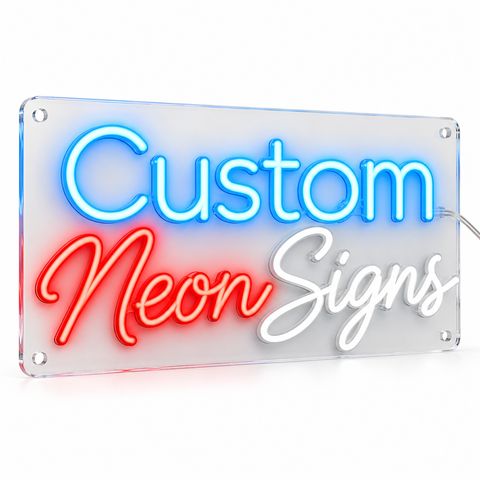 Custom LED Neon Sign
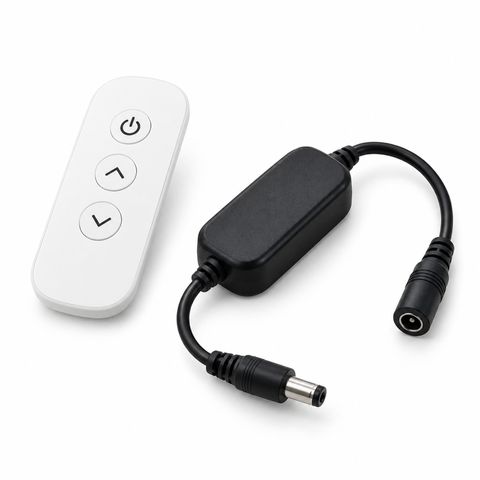 Remote Dimmer for Single-Color LED Neon Signs