Power & safety
Neon sign dimmers and RGB remotes explained
In-line knob or remote dimmer, how bright a neon sign should be for rooms and cameras, what an RGB controller does, and which replacement part fits.
Updated
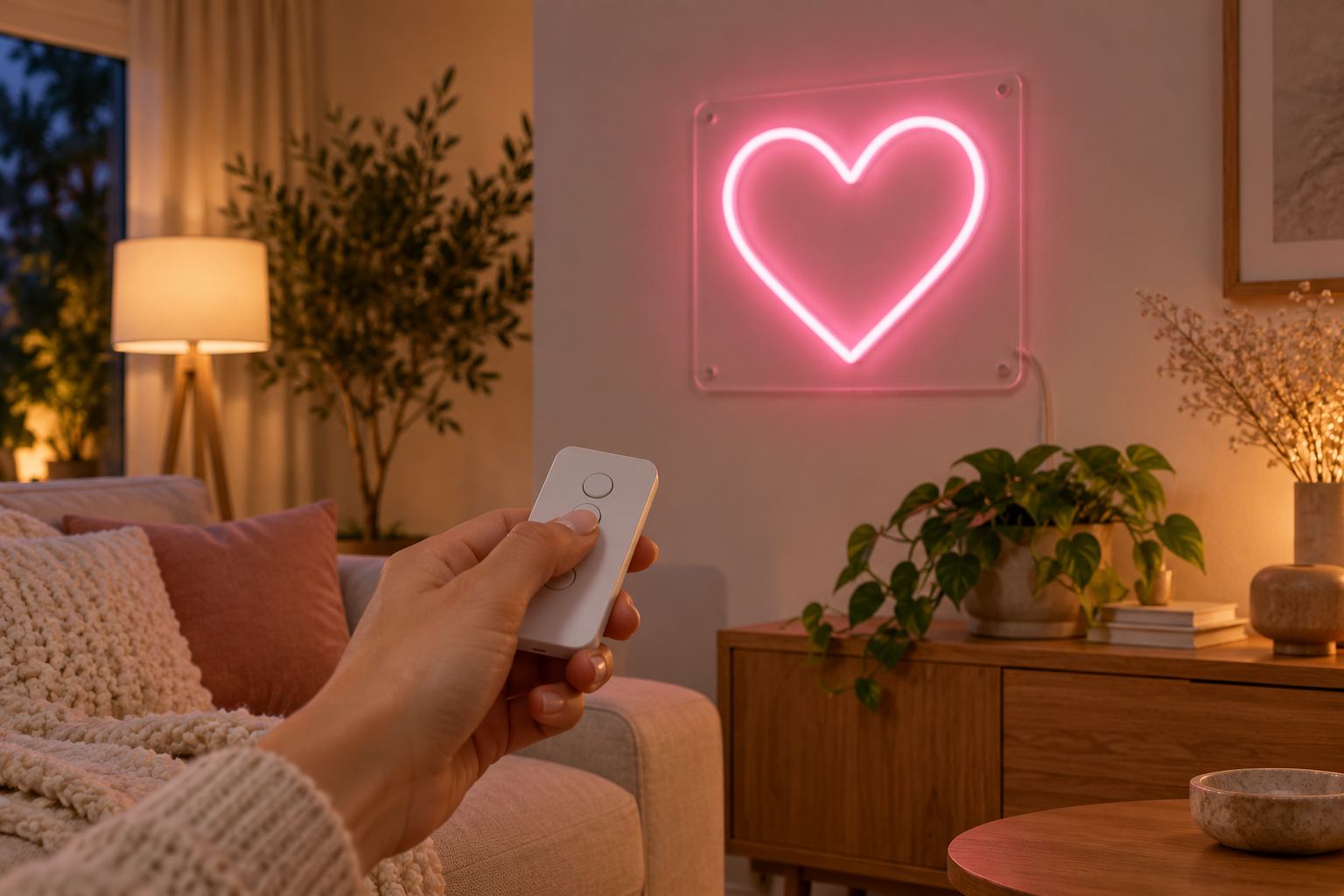
A dimmer turns a neon sign from one fixed brightness into a light you can set for the moment: bright in a shop window at noon, soft in a bedroom at night, just right for a camera. This guide explains the two dimmers that come with our single-color signs, the controller for color-changing signs, and which part to order if one goes missing.
Every LED sign comes with a dimmer
You do not have to buy a dimmer separately. Every LED neon sign comes with one at no charge, along with the adapter and the mounting kit. When you order, you choose:
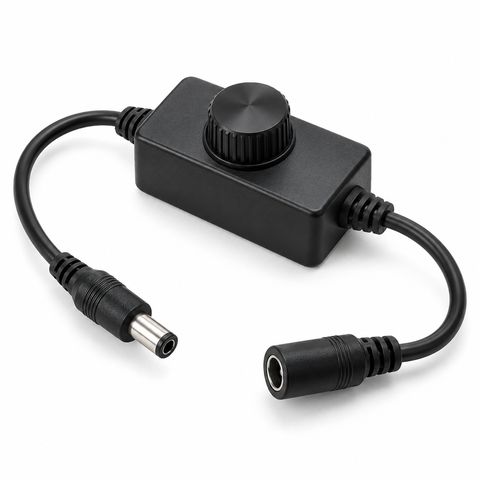
- an in-line dimmer, a knob on the power cable, or
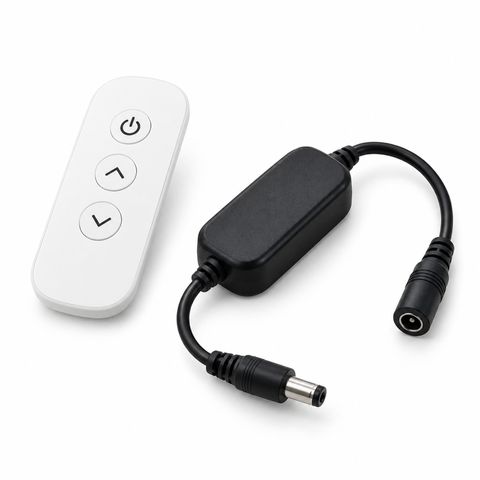
- a remote dimmer, a small wireless remote with a receiver on the cable.
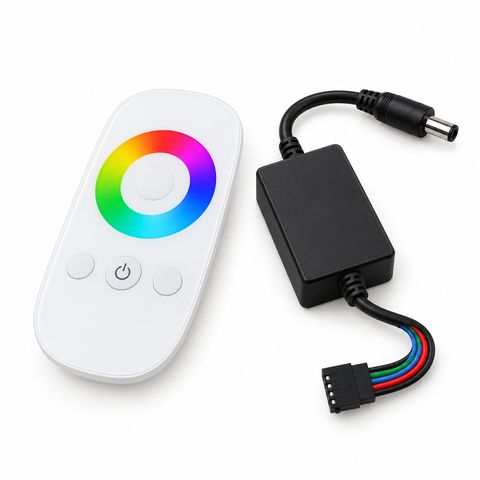
Color-changing (RGB) signs come with an RGB controller and touch remote instead.
In-line dimmer or remote dimmer
| In-line dimmer | Remote dimmer | |
|---|---|---|
| How it works | A rotary knob on the power cable, between the adapter and the sign | A wireless remote and a small receiver between the adapter and the sign |
| Controls | Brightness, down to a soft night-light glow | On/off and brightness |
| Best for | Signs you set once and leave, within reach of the cable | Signs hung high, behind a bar, or in a window |
| Good to know | Nothing to lose, no remote battery to change | Keep the remote somewhere you will find it |
Both connect with DC barrel plugs, so they simply plug in between the adapter and the sign. Both are for single-color 12 V LED neon signs; they do not work on RGB signs or glass neon.
If you chose the in-line knob and later wish you had a remote, you can upgrade: the remote dimmer plugs in where the knob was.
How bright should your sign be
There is no single right setting. Start at full brightness, then turn it down until it looks right in the room.
| Where | Suggested setting |
|---|---|
| Shop window by day | Full, so the sign competes with daylight |
| Bar, restaurant or living room in the evening | Medium to high |
| Bedroom at night | Low |
| Nursery night light | Lowest, a soft glow |
| Photos | A little below full, so the tube keeps its color |
| Video and streaming | Full or close to full, to avoid flicker on camera |
Brightness for cameras
Cameras and eyes see neon differently, and the two goals pull in opposite directions:
- For photos, a sign at full brightness can look washed out or almost white in the middle. Turning it down a little brings back the color.
- For video, many LED dimmers work by switching the light on and off very fast. Your eye does not see it, but a camera can, as moving bands or flicker, and it is usually worse at low dimmer settings. Keeping the sign at or near full brightness and using a slower shutter speed helps.
The best way to find your setting is to take a short test clip with the camera you will use. Our guide to neon signs in photos and video goes into detail.
The RGB controller for color-changing signs
A color-changing sign uses an RGB tube and comes with an RGB controller: a receiver box and a 2.4G wireless touch remote with a color wheel. With it you can:
- Pick one fixed color from the wheel.
- Let the sign cycle through colors.
- Adjust the brightness.
The remote works up to about 100 ft (30 m) from the receiver. If you lose it or it stops working, order the RGB controller with remote as a replacement.
If you mostly want one color, a single-color sign is often the better buy, with a cleaner white and a simpler dimmer. Our guide to neon sign colors explains when RGB is worth it.
Glass neon is different
Real glass neon runs on a high-voltage transformer, not 12 V, so LED dimmers and RGB controllers do not work with it. Glass neon is ordered as dimmable or non-dimmable from the start. See custom glass neon signs.
Timers and smart plugs
You can put any LED sign on a schedule by plugging its adapter into a timer or a smart plug. This switches the whole sign on and off at the outlet.
- In-line dimmer: the knob stays where you set it, so the sign normally comes back at the same brightness.
- Remote dimmer or RGB controller: test once that the sign comes back on by itself after the power is cut. If it waits for the remote, a timer will not turn it on.
A schedule is also an easy way to use less power. Our guide to neon sign energy use shows what a sign costs to run.
Replacement parts
| What you need | What to order |
|---|---|
| A lost or broken remote for a single-color sign | Remote dimmer (remote and receiver) |
| A simple knob instead of a remote | In-line dimmer |
| A lost or broken remote for a color-changing sign | RGB controller with remote |
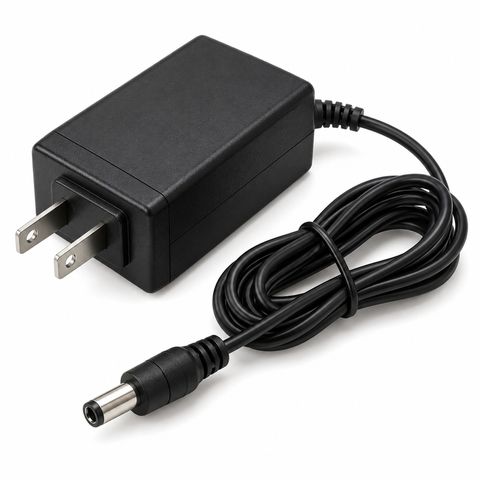
| A lost or broken adapter | Replacement power adapter, sized to your sign |
| More distance from the outlet | DC extension cable |
For the adapter, tell us your order number, the size of the sign, or send a photo of the old adapter’s label, and we will send the matching wattage. All of these are in our power and control collection.
If the dimmer does not respond
- Check that every plug is pushed fully home: adapter, dimmer and sign.
- For a remote, replace the remote’s battery and point it toward the receiver.
- Try the sign without the dimmer, plugging the adapter straight into the sign. If it lights at full brightness, the dimmer is the part to replace.
For other problems, see troubleshooting LED neon signs. Every LED sign has a 2-year warranty with free repair.
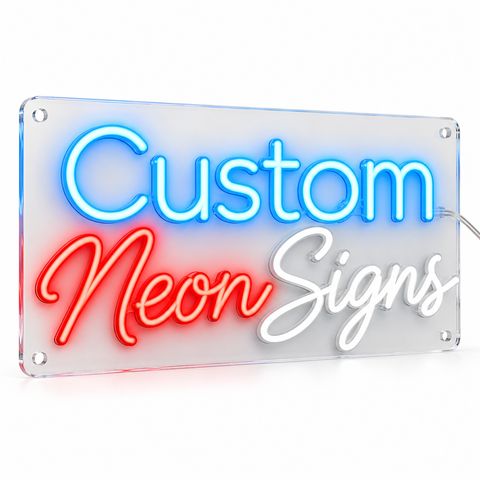 Custom LED Neon Sign
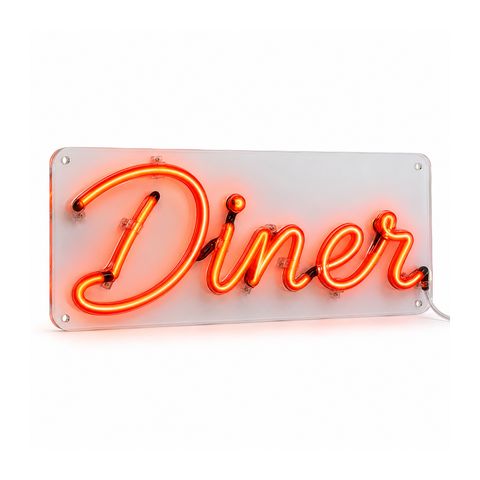 Custom Real Glass Neon Sign