Power & safety
LED neon sign not working? A step-by-step fix guide
Sign will not light, flickers, has a dark section, looks dim or ignores the remote? Check these things in this order before you contact us.
Updated
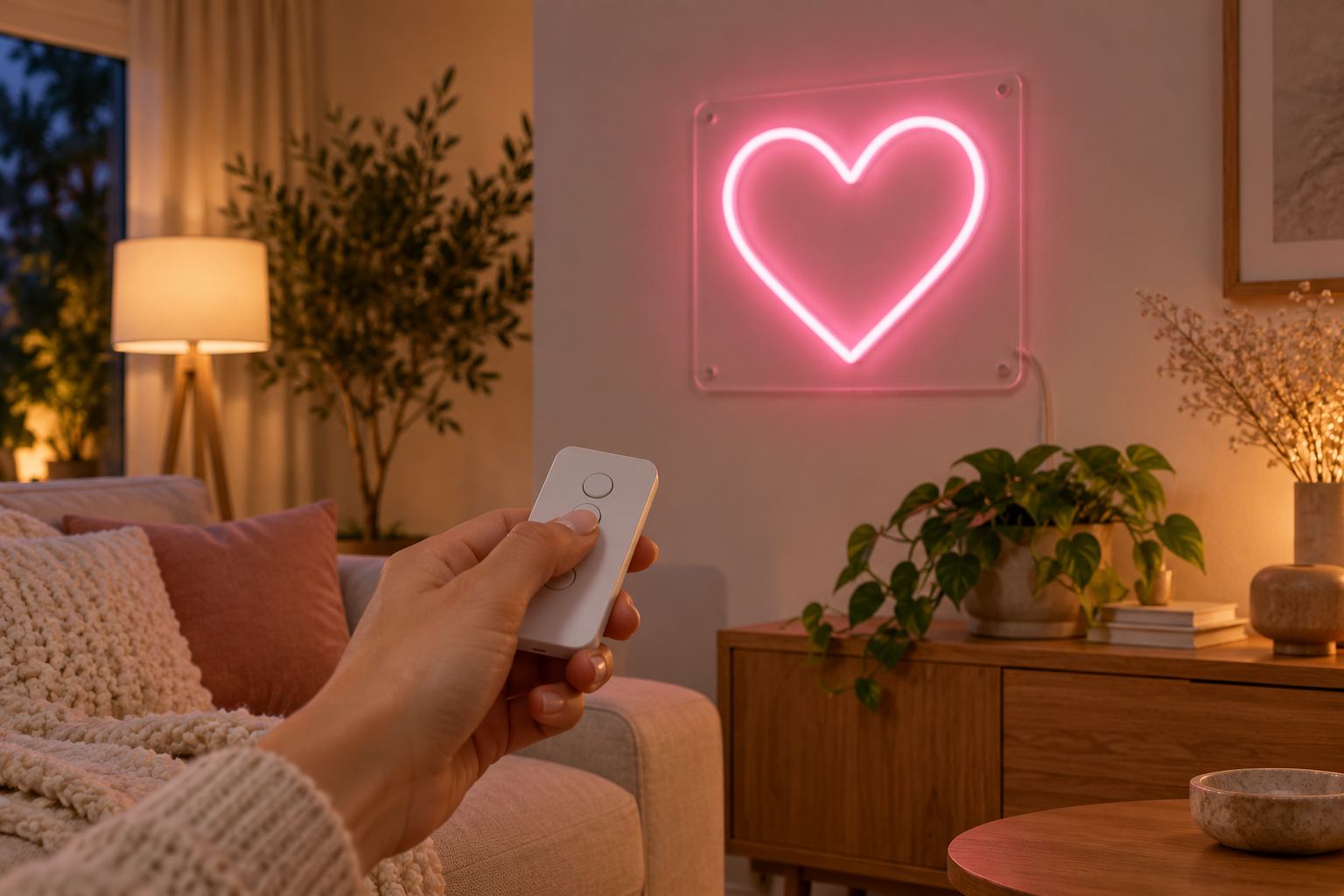
Most signs that “stop working” are fine. A plug has worked loose, an outlet is switched off, or the remote battery has run down. Before you take anything off the wall, work through the checks below in order. They take about ten minutes and solve most problems.
How the power flows
Knowing the chain makes faults easy to find. On a single-color LED sign it runs like this:
Wall outlet → plug-in adapter (12 V DC) → dimmer or remote receiver → sign
A DC extension cable, if you use one, sits in the low-voltage part of the chain. On a color-changing (RGB) sign, the RGB controller takes the dimmer’s place. On a sign with a battery box, the battery box replaces the outlet and adapter. Every link joins with a round DC barrel plug.
The check order
Do these in order, and test the sign after each step.
- Is the outlet live? Plug a lamp or a phone charger into it. Check the switch on any power strip, any timer or smart plug, and the wall switch if the outlet is switched. In kitchens, bathrooms, garages and outdoors, look for a GFCI outlet nearby with a tripped RESET button.
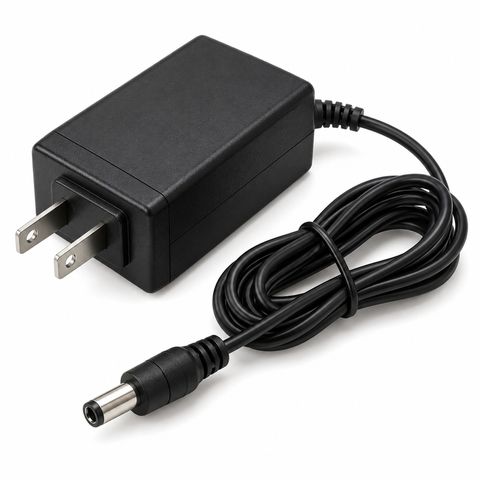
- Is the adapter fully in the wall? Some adapters show a small light when they have power. If yours has one and it is off with a live outlet, the adapter is the suspect.
- Is every DC plug fully home? Unplug and firmly re-seat each barrel plug: adapter to dimmer, dimmer to sign, and both ends of any extension cable. A plug that is only halfway in looks connected and is easy to miss.
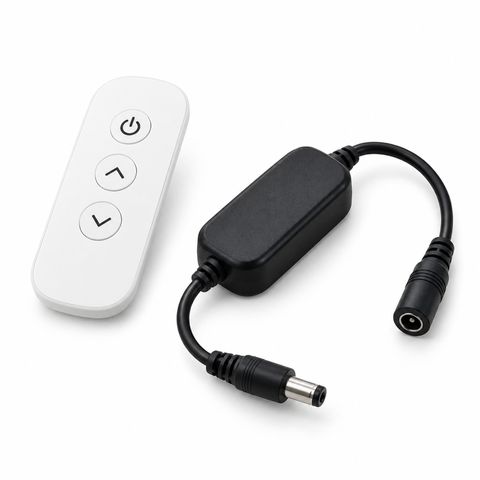
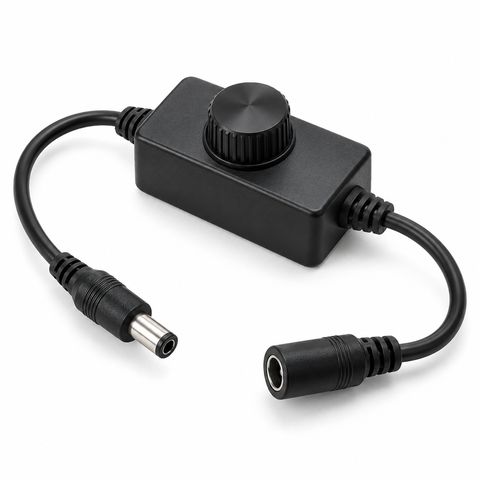
- Is the dimmer on and turned up? Turn the in-line knob up, or press the on button on the remote and then brightness up.
- Take the dimmer out. On a single-color sign, connect the sign straight to the adapter. If it lights now, the dimmer or receiver is at fault. (Skip this on an RGB sign, which needs its controller.)
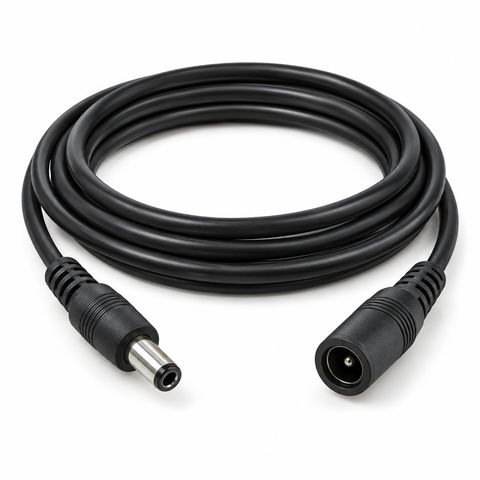
- Take the extension cable out. Connect the sign without it. If it works now, the extension is the problem.
- Running on batteries? Fit 8 fresh AA batteries, check each one faces the right way, and switch the box on. A set lasts about 4 to 5 hours.
If the sign still does not light after step 7, go to “When to contact us” below.
Symptoms and what they usually mean
| What you see | Usual cause | Try this |
|---|---|---|
| Nothing lights | No power, loose plug, dimmer off | The check order above |
| Flickering | Loose plug, very low dimmer setting, long or chained extension, tired adapter | Re-seat plugs, dimmer up, remove extension |
| One section dark | Connection inside the sign or a damaged piece of tube | Video it and contact us |
| Whole sign dimmer than before | Dimmer setting, extension cable, or slow aging over years | Dimmer up, remove extension |
| Remote does nothing | Flat battery, plastic tab, too far, receiver unplugged | Battery, distance, receiver plug |
| RGB sign stuck on one color or cycling | Controller mode, controller needs a restart | Choose a mode on the remote, power off and on |
| Adapter feels warm | Normal | Keep it in open air |
| Adapter hot, smells or buzzes | Adapter fault | Unplug it and contact us |
Flickering
Flicker almost always comes from a connection. Re-seat every plug first. If the sign flickers only when the dimmer is turned right down, turn it up a little. A long extension, or several joined together, can also cause flicker or dimming, which is why we suggest one extension rather than a chain. If the sign flickers on its own adapter with nothing in between, the adapter may be wearing out. In LED lighting generally, flicker is often an early sign of a tired power supply.
One section dark
The tube in our signs is pressed and glued into a groove in the acrylic, with its connections sealed. When part of the sign stays dark and the rest lights, the fault is inside the sign. Do not cut, open or pull at the tube. Take a short video of the sign lit and send it to us; under the warranty we repair it for free.
Remote not working
- Fit a fresh battery, and pull out the clear plastic tab if the remote is new.
- Move closer and point the remote toward the receiver.
- Check the receiver is plugged in between the adapter and the sign, and that its plugs are fully home.
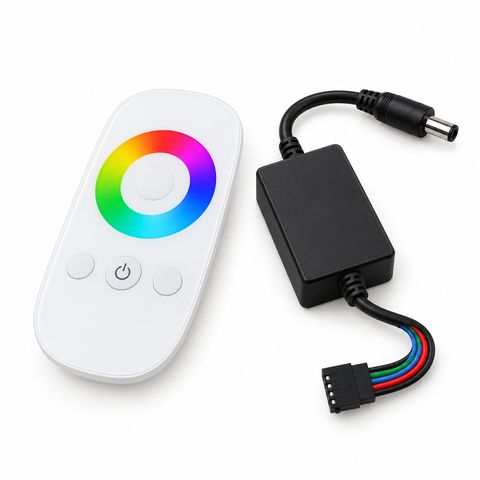
- Use the right remote. Our remote dimmer is for single-color signs, and the RGB controller with touch remote is for color-changing signs. They do not swap.
The RGB remote works up to about 100 ft from its receiver, but walls and metal shorten that.
RGB sign stuck on one color or cycling
The RGB controller can hold one fixed color or cycle through colors. If the sign is cycling and you want one color, pick it on the color wheel. If the sign ignores the remote, unplug the adapter for a minute, plug it back in and try again.
Adapter warm
A working adapter gets warm, and that is normal. Ours is fully encapsulated with no fan, so it cools through its case. Keep it in open air, not under a cushion, a rug or inside a closed box. If it is too hot to hold, smells, buzzes or shows marks, unplug it at the wall and contact us.
Safety while you troubleshoot
- Unplug the adapter from the wall before you handle connections or move the sign.
- Never open the adapter, cut the cable or join wires.
- Use only the 12 V adapter made for your sign. Adapters are sized to the sign.
- Keep the adapter and plugs dry, also for outdoor signs.
Our guide to whether LED neon signs are safe covers placement and long running hours.
When to contact us
If the checks above do not fix it, contact us and include:
- Your order number
- A photo of the adapter’s label
- A short video of the problem, with the sign switched on
- What you have already tried
Our LED signs have a 2-year warranty with free repair. We will tell you whether a part will fix it or whether the sign should come back to us.
Replacement parts
Often the fix is a single part you can swap yourself:
- Replacement power adapter, matched to your sign by order number, size or the old label
- Remote dimmer or in-line dimmer knob for single-color signs
- RGB controller with touch remote for color-changing signs
- DC extension cable, 6.5, 10 or 16 ft
You will find them all in power and control. To understand what wears out over time, see how long LED neon signs last.
 Custom LED Neon Sign