Ideas
Neon signs in photos and video: a practical guide
How to place, color and dim a neon sign for wedding photos, events, streaming and video calls, and how to avoid glare, washed-out tubes and flicker.
Updated
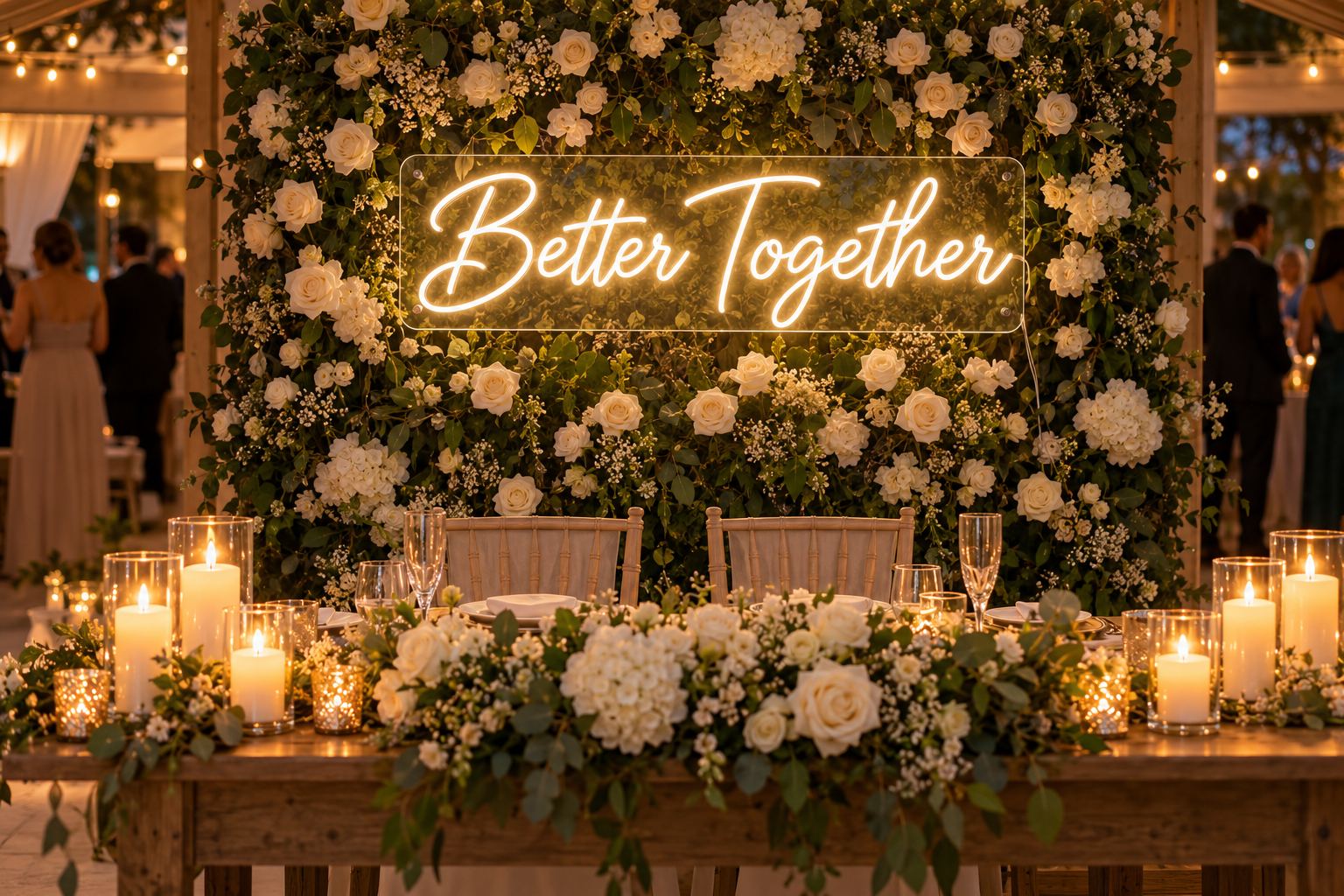
A neon sign is often bought for the photos as much as for the room: the wedding backdrop, the birthday wall, the background of a stream. Cameras see light differently from eyes, though, so a sign that looks perfect in person can look washed out, tinted or flickering on screen. This guide explains how to get it right.
Start with the color
The color of the sign affects the whole photo, not just the sign.
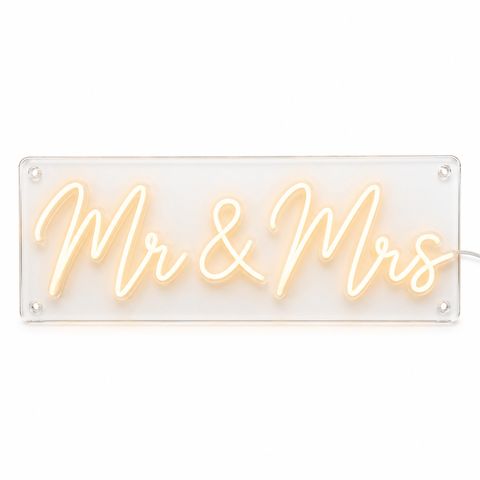
- Warm white and white read best in wedding photos. They glow clearly and keep skin tones natural. Most of our ready-made wedding pieces, such as Mr & Mrs, are warm white.
- Strong colors tint what is near them. Colored light that falls on faces changes skin tones. Green light on skin is a color cast photographers try hard to avoid.
- Pinks, reds and golden yellows suit parties. Keep those signs a few feet behind people so the color stays on the sign and off faces.
- Deep blue and purple look darker to the eye than white or yellow at the same power. In a bright room they may need full brightness to show.
Our guide to neon sign colors covers all 18 colors.
Placement behind people
- Hang it above head height. At a sweetheart table, a dessert table or a photo wall, the words should sit above the heads of standing or seated people, so no one’s head cuts through a letter.
- Centre it on the people. The sign frames whoever stands in front of it, so line its centre up with the couple or the guest of honor.
- Leave a few feet between sign and people. The distance keeps colored light off faces and gives the photo some depth.
- Choose a width that fits the frame. A sign that is too narrow disappears behind people, and one that is too wide gets cut off in close-ups. Our size guide helps you pick.
- Hang it securely on a backdrop. Ceiling hanging cables or a backdrop frame work well. See our guide to party and birthday neon backdrops.
Brightness for photos
At full brightness, a neon tube is often the brightest thing in the scene. The camera can overexpose it, and the color turns pale or white in the middle of the tube.
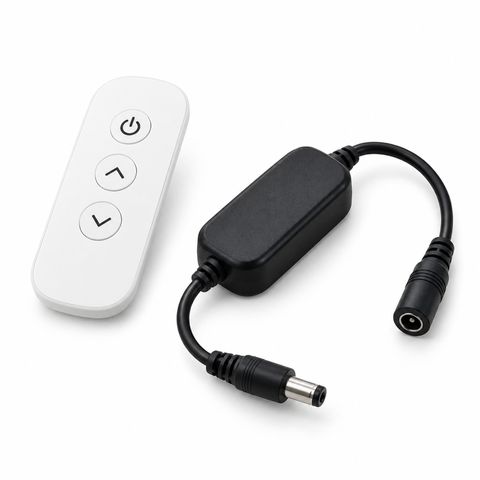
- Turn the dimmer down a little. A remote dimmer makes this easy at an event; every LED sign comes with one, and a spare remote dimmer is available.
- On a phone, tap the sign on the screen to set exposure, then slide the exposure down until the tube shows its color again.
- On a camera, expose for the bright parts of the sign and shoot in raw if you can.
People in front of the sign usually need their own light. A dim room with only the sign behind people leaves faces dark.
Video, streaming and video calls
A neon sign makes a good background for streams, recorded videos and video calls. Three things matter:
- Light your face from the front. A lamp or ring light in front of you should be your main light. The sign is the accent behind you.
- Do not let the sign set the exposure. If the sign is much brighter than your face, the camera darkens the whole picture to protect the sign, and your face goes dark. Lock the exposure on your face if your camera or app allows it, then adjust the sign’s brightness to match.
- Keep it in frame but not in the center. Off to one side or above your shoulder works better than directly behind your head.
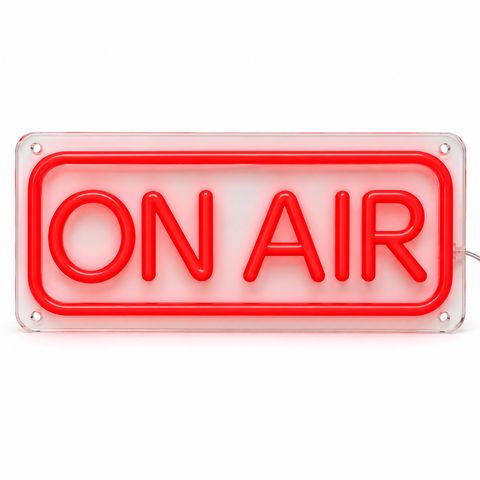
For an on-air light in a studio, see the ON AIR neon sign, and for setup ideas see our gaming and streaming project.
Flicker and banding on video
Many LED dimmers control brightness by switching the light on and off very quickly. Your eye blends this into a steady glow, but a camera takes each frame in a very short moment and can catch the light at different points. The result is flicker or dark bands rolling through the sign.
How to avoid it:
- Run the sign at or close to full brightness. Flicker is most likely at low dimmer settings.
- Use a slower shutter speed. Longer exposures smooth it out; very fast shutter speeds make it worse.
- Avoid slow motion near the sign. High frame rates force fast shutter speeds.
- Record a short test clip with the camera and settings you will use, and watch it back before the event or stream.
Notice that photos and video pull in opposite directions: for photos, dim a little; for video, keep it bright and adjust the camera instead.
Glare and reflections
The clear acrylic backboard is shiny. A flash, ring light or bright lamp pointed straight at it can bounce back into the lens as a white patch.
- Move the light to the side so its reflection goes away from the camera.
- Shoot from a slight angle rather than straight on.
- Tilt the sign a little if it hangs on cables.
- A polarizing filter can reduce reflections on a dedicated camera.
- Turn off the flash when the sign and the room light are enough.
Events without an outlet
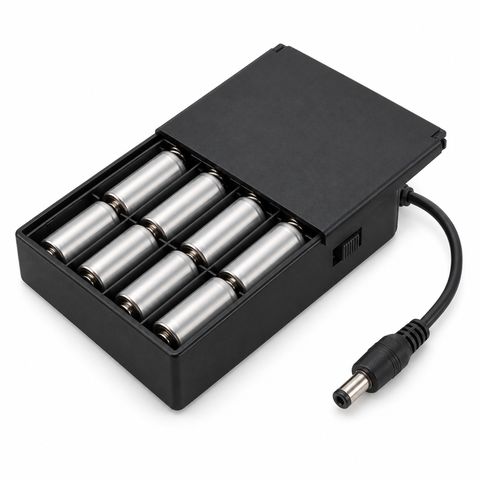
Photo booths, outdoor ceremonies and tables in the middle of a room often have no outlet nearby. The 8 x AA battery box runs a sign for about 4 to 5 hours per set of batteries, with no cable running to a wall outlet. Bring a spare set for longer events.
Plan the timing
Every custom sign starts with a free proof. Standard production takes 15 to 20 days after you approve it, plus 3 to 5 days in transit, so order well before the date. If the date is close, rush production shortens production to 10 to 14 days (Priority) or 7 to 9 days (Express).
Quick checklist
- Pick warm white or white for wedding photos, or keep colored signs a few feet behind people.
- Hang the sign above head height and centred.
- For photos, dim a little; for video, keep it bright.
- Light faces from the front.
- Angle lights to avoid glare on the board.
- Test with your own camera before the day.
Find your design among our wedding neon signs, start a custom wedding neon sign, or see the events and photo booths project.
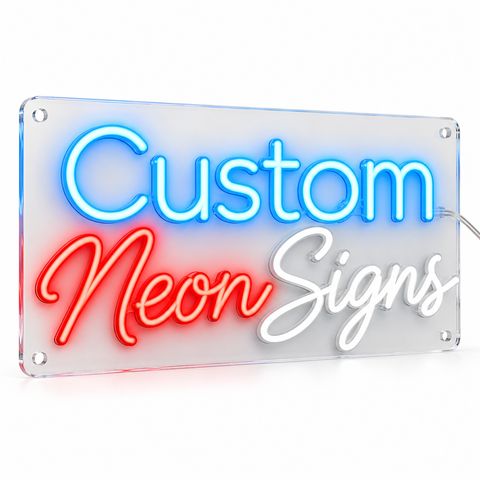 Custom LED Neon Sign
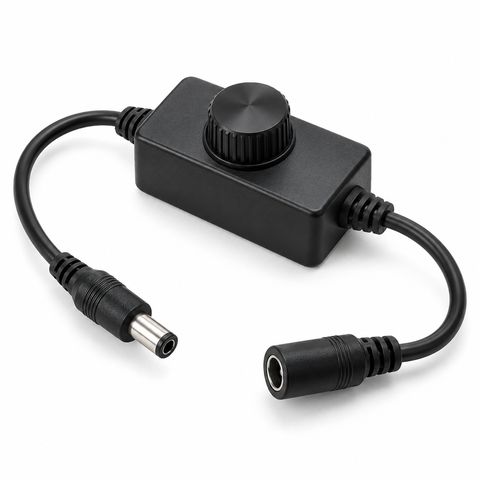 In-Line Dimmer Knob for 12 V LED Neon Signs